Step 1: Create tokens
In Datadog, create an API Key and an Application Key. On each page:- Click + New Key
- Name it resolve and click Create Key
- Click Copy and save the key to use below
App key scopes
If you use Datadog App Key scopes for granular permissions, ensure you include the minimum requirements:- Events: events_read
- Logs: logs_read_data, logs_read_index_data
- Metrics: metrics_read, timeseries_query
- Monitors: monitors_read
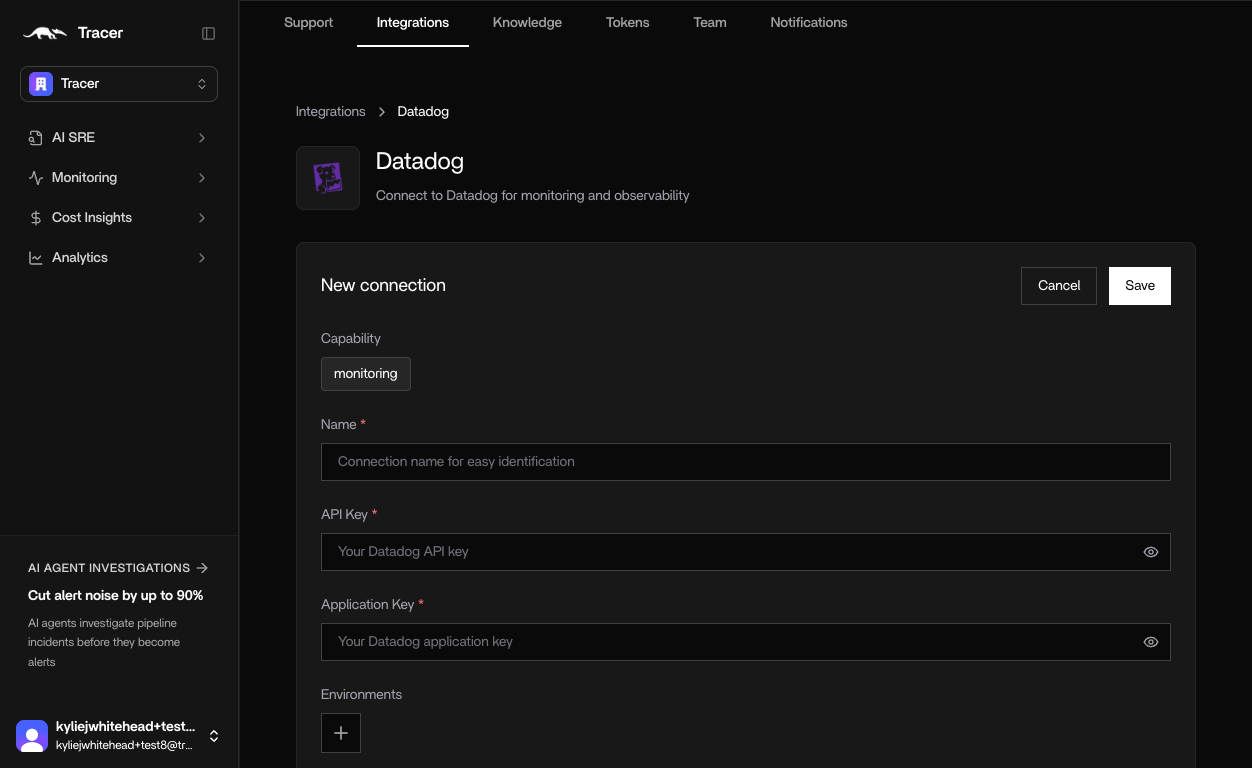
Step 2: Connect Datadog to Tracer
- In Tracer, go to Integrations → Datadog
- Enter a name
- Paste your API Key and Application Key from Datadog
-
Click Save.