

- In Tracer, go to Integrations → Slack
- Click Add to Slack
-
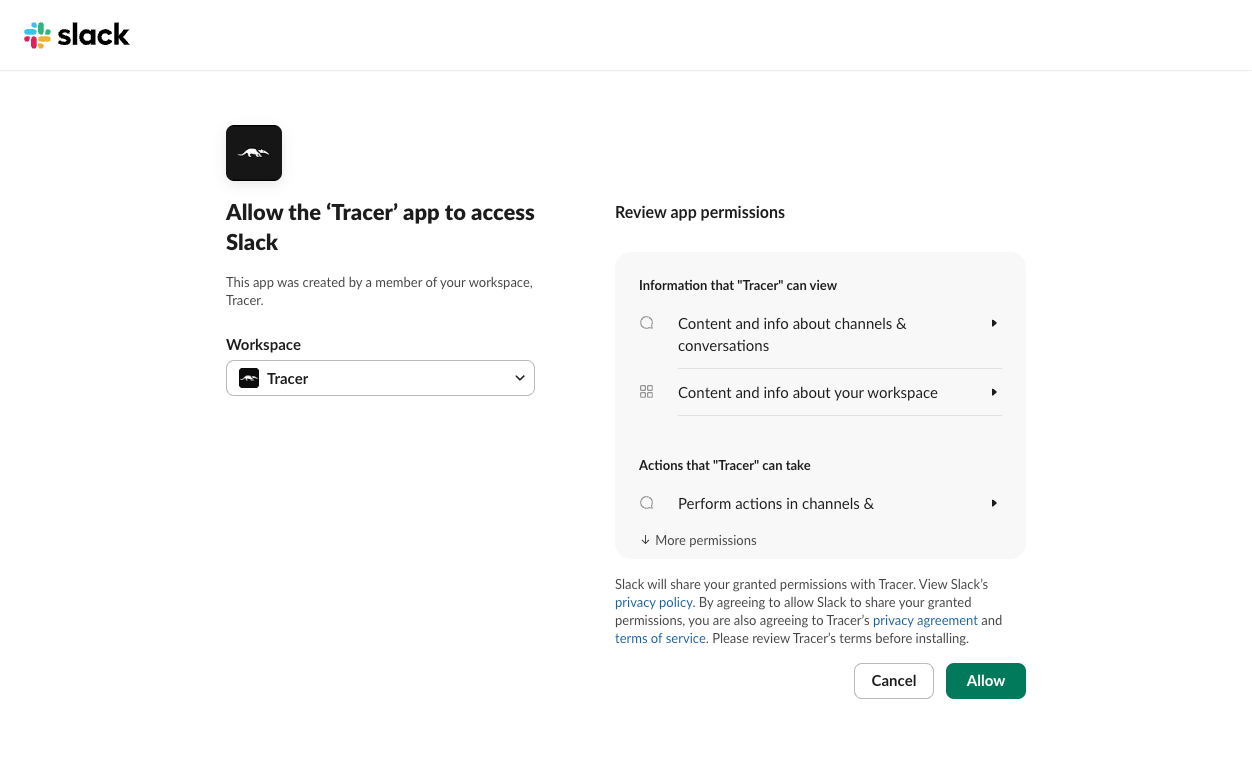
In Slack, pick your workspace and click Allow
- In Slack, open your alerts channel.
- Type /add and click Add apps to this channel
- Search Tracer and click Add
-
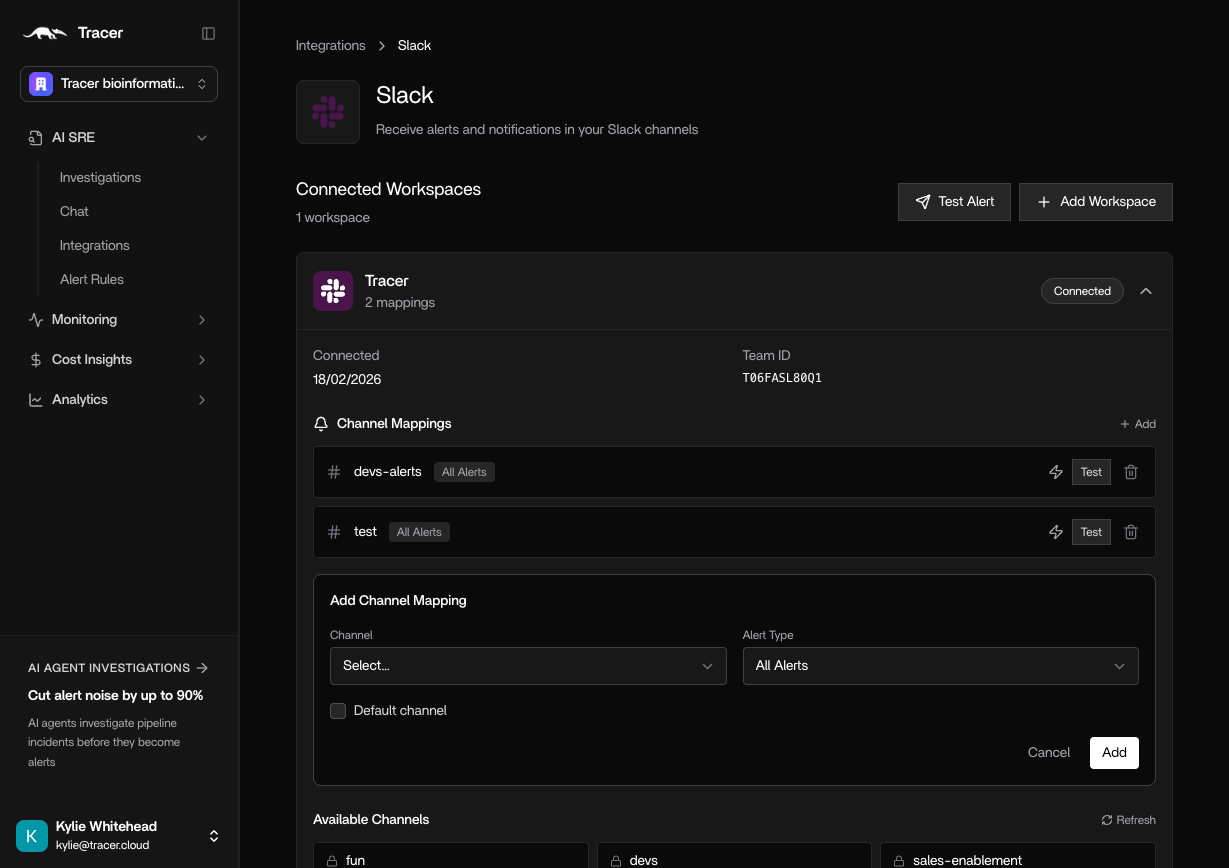
In Tracer, open Integrations → Slack. Under Channel Mappings click +Add. Select the channels you’ve added Tracer to, and select which types of alerts you’d like Tracer to respond to.
Integrations